Starting Out
restoration Macintosh SEI am starting on my long and arduous (I think) journey in repairing a Mac SE FDHD. I saw a unit for sale on carousell for $150 but managed to negotiate to $90.
I decided that I wanted a piece of computing history and the joy that will come from restoring it. After a lot of deep research, figuring out if it was possible to fix certain components, and what the risks of buying an as-is Mac SE were, I figured that it was possible for me to attempt most of the fixes. Just my will power, my soldering iron, and my time.
When reading through forums, most posts by people requesting help are surprisingly from 2020 and later. There are many new projects to remanufacture new parts that also sprung up after 2020. The Arduino and Raspberry Pi also are fantastic tools to emulate old hardware like floppy drives and ethernet adapters.
From my research, the first thing I was immediately afraid of was the exploding PRAM batteries. The PRAM batteries are angry ticking time bombs that may leak, similar to conventional AA batteries; however, these 1/2 AA batteries leak violently and aggressively. Electrolytes and acid may spray everywhere and cause serious corrosion to the logic board traces, metal shroud, and case.
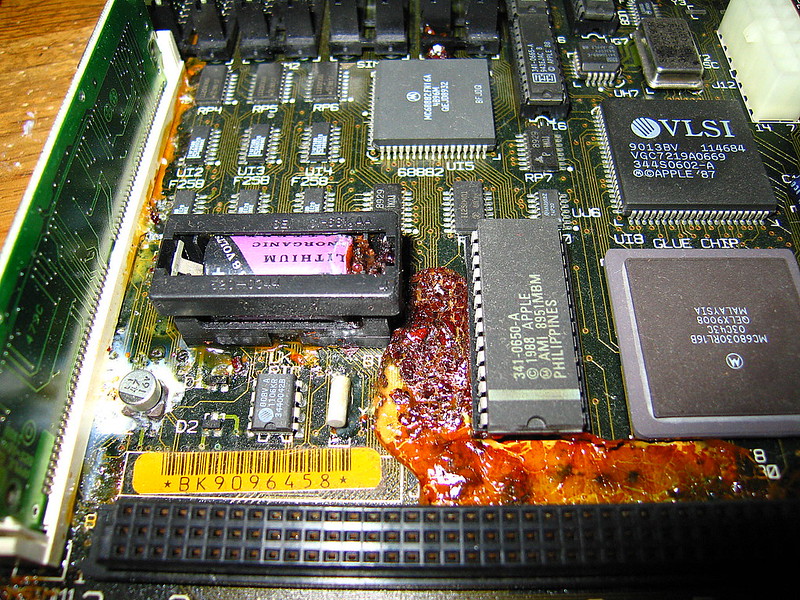
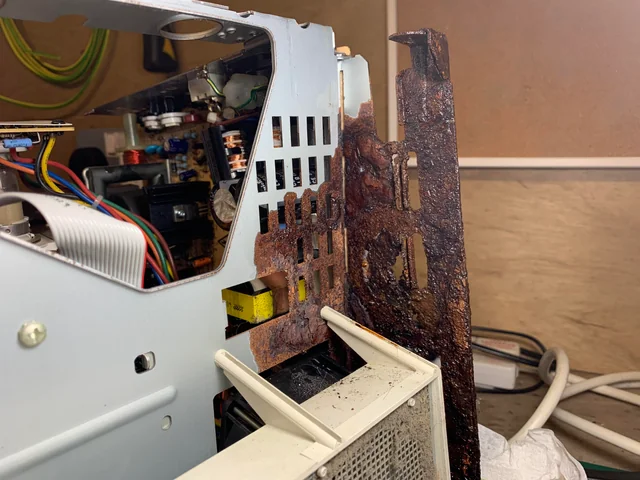
Next, the PSU and its leaky or dead capacitors could render the whole computer a dud. This would be nearly impossible to fix by myself. However, thankfully there are brand new drop-in replacements. Specifically, the ones on Tindie that can accommodate the three possible types of PSUs. Tindie, as I found out, seems to be like the Etsy of tech and modding, which I can thoroughly appreciate.
Lastly, an imploded CRT will render this entire project nullified because the only fix is to replace the whole CRT unit, which entails harvesting a CRT. However, the images on carousell make it seem like the unit is in okay condition—so-so, not terrible.
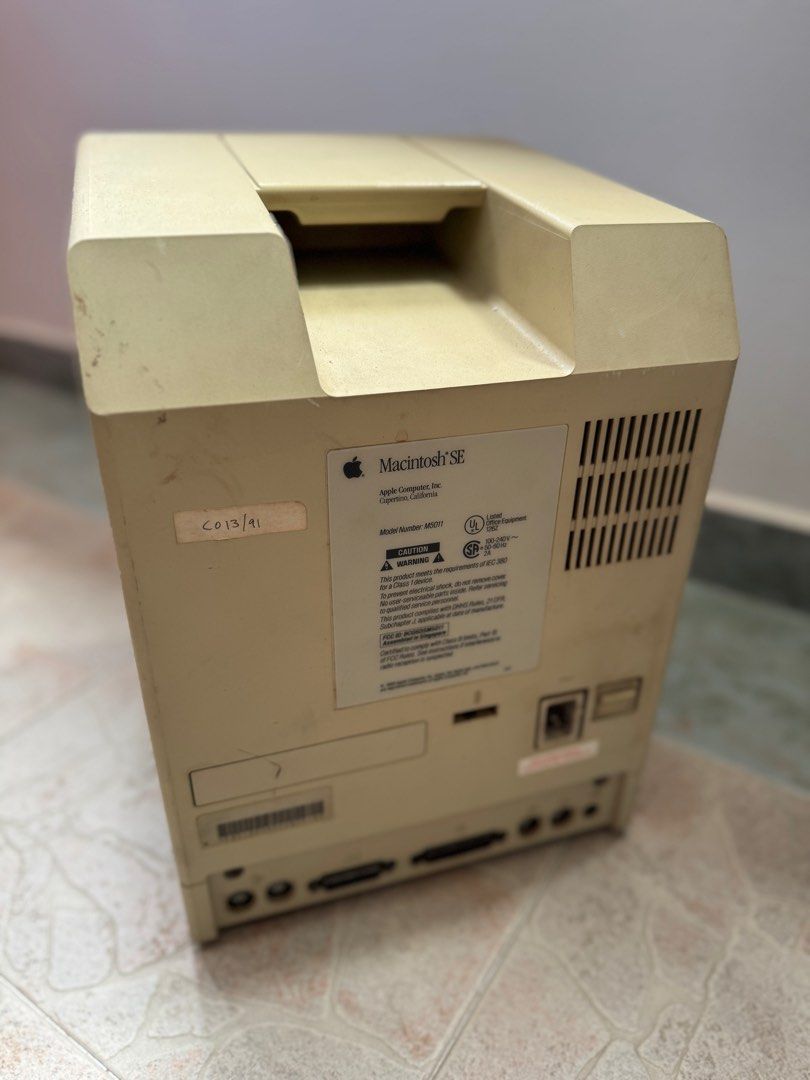
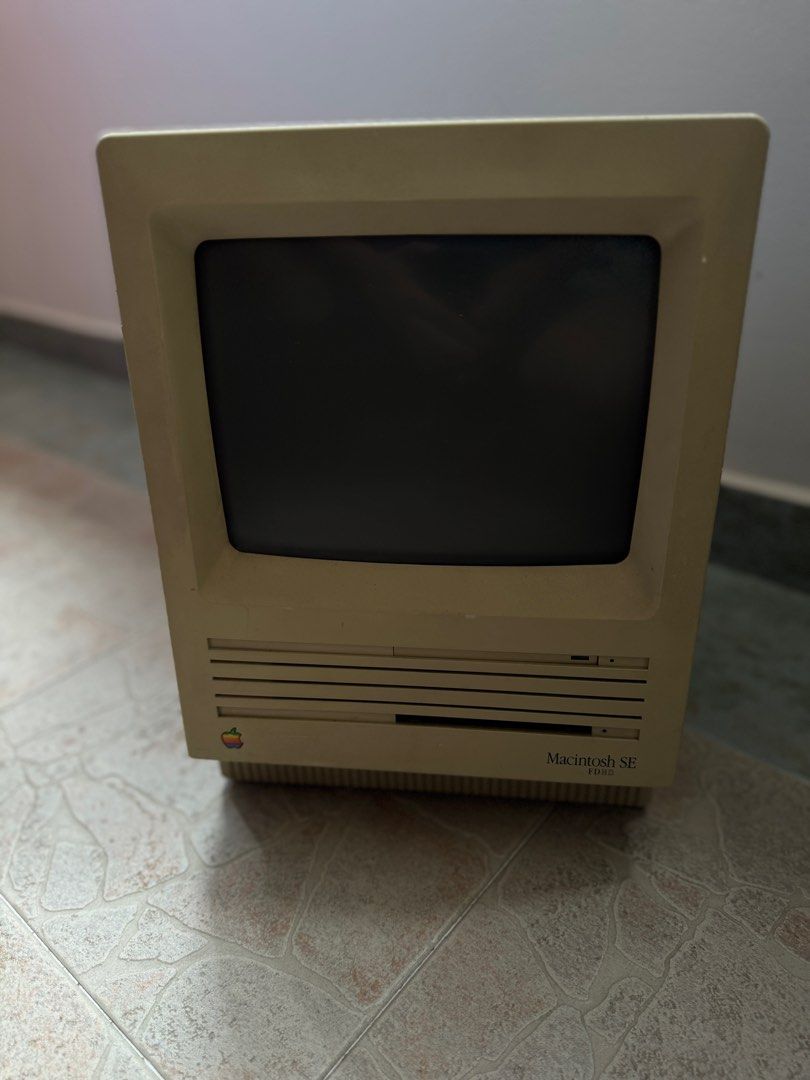
The day, then, has come to collect the Mac SE. It was way heavier than I initially anticipated. The Mac SE was supposedly 7.7KG, and I expected it to be slightly more portable than it is.
Upon bringing it back, I realized that the Mac SE was missing 3 of its case screws and only had 1 screw. The screws are T15 and might be custom-made by Apple, which will further complicate looking for new screws. The Mac was slightly dirty, but nothing that cannot be washed off with some elbow grease. It also seems to not need a full retrobright. On my way, I also snagged a good deal for a SCSI2SD V5.0a for $50. I doubt it is real, but so far I can update the firmware with no issue.
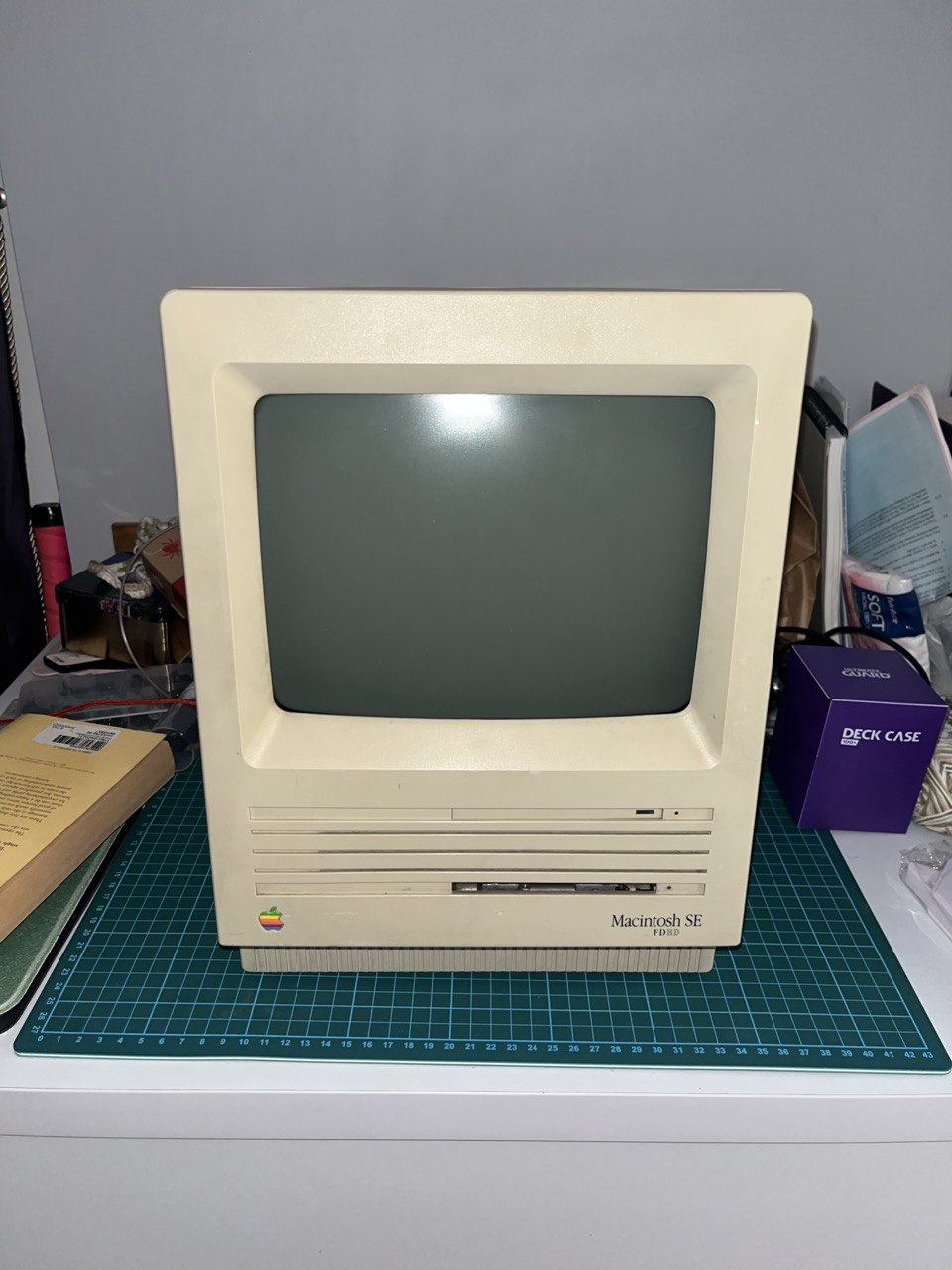
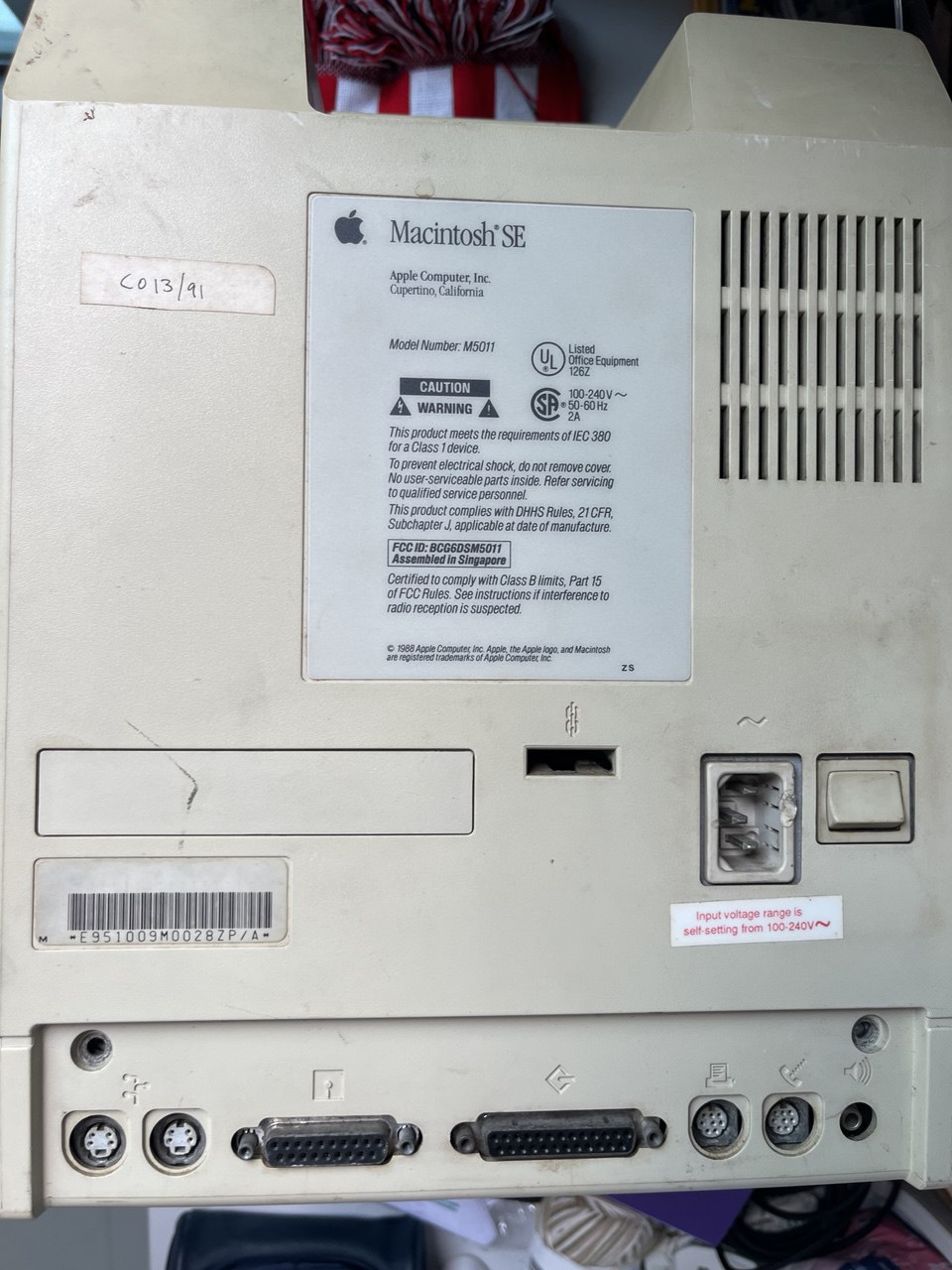
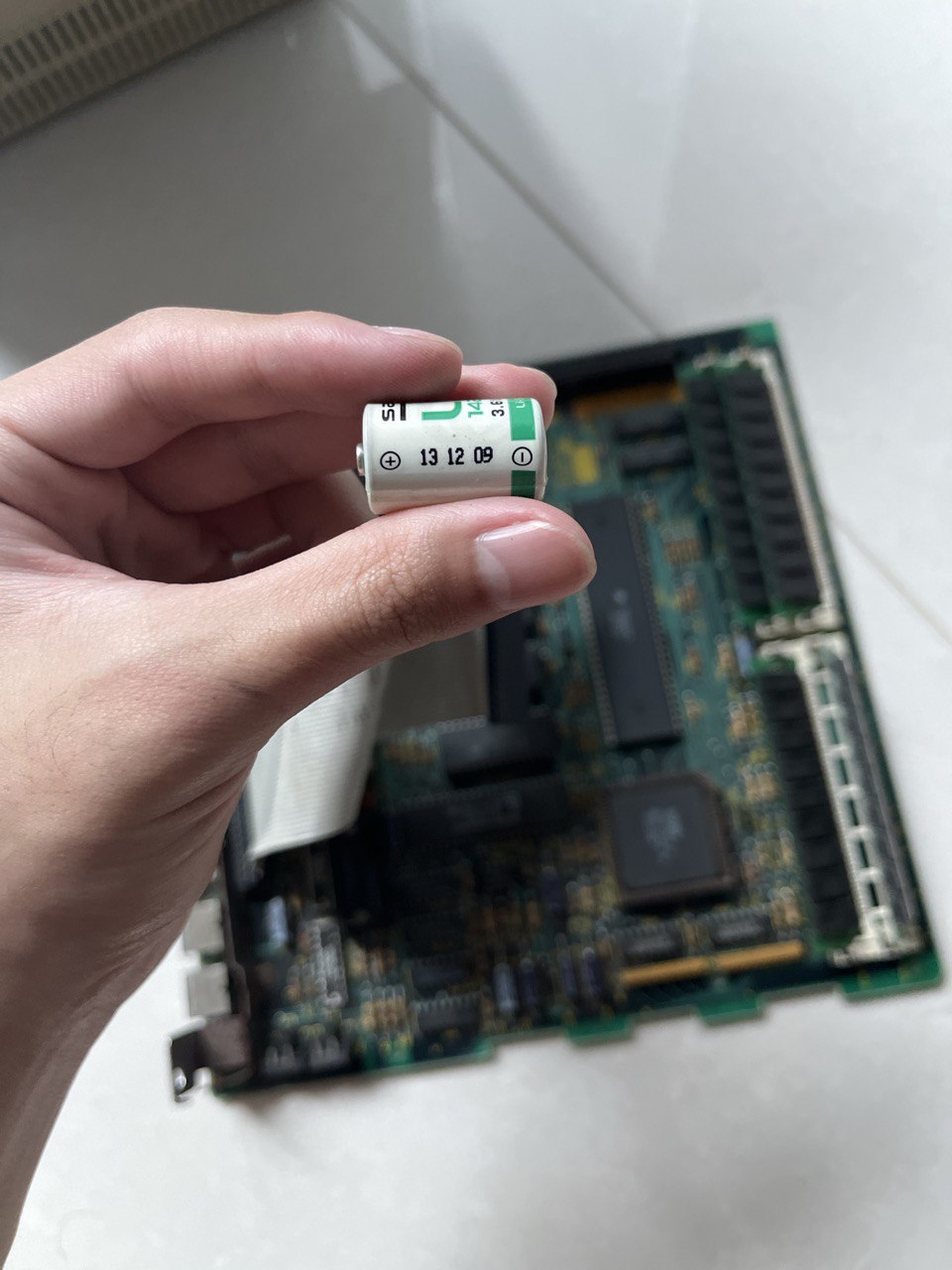
I ordered an extra long T15 torx screwdriver from Shopee for $4 and got to work taking apart the Mac SE. First order of business was to remove the battery. Thankfully, it had not exploded and everything looked in order. I think the battery was dated 2009, which means someone was in this earlier than I was and changed out the battery.
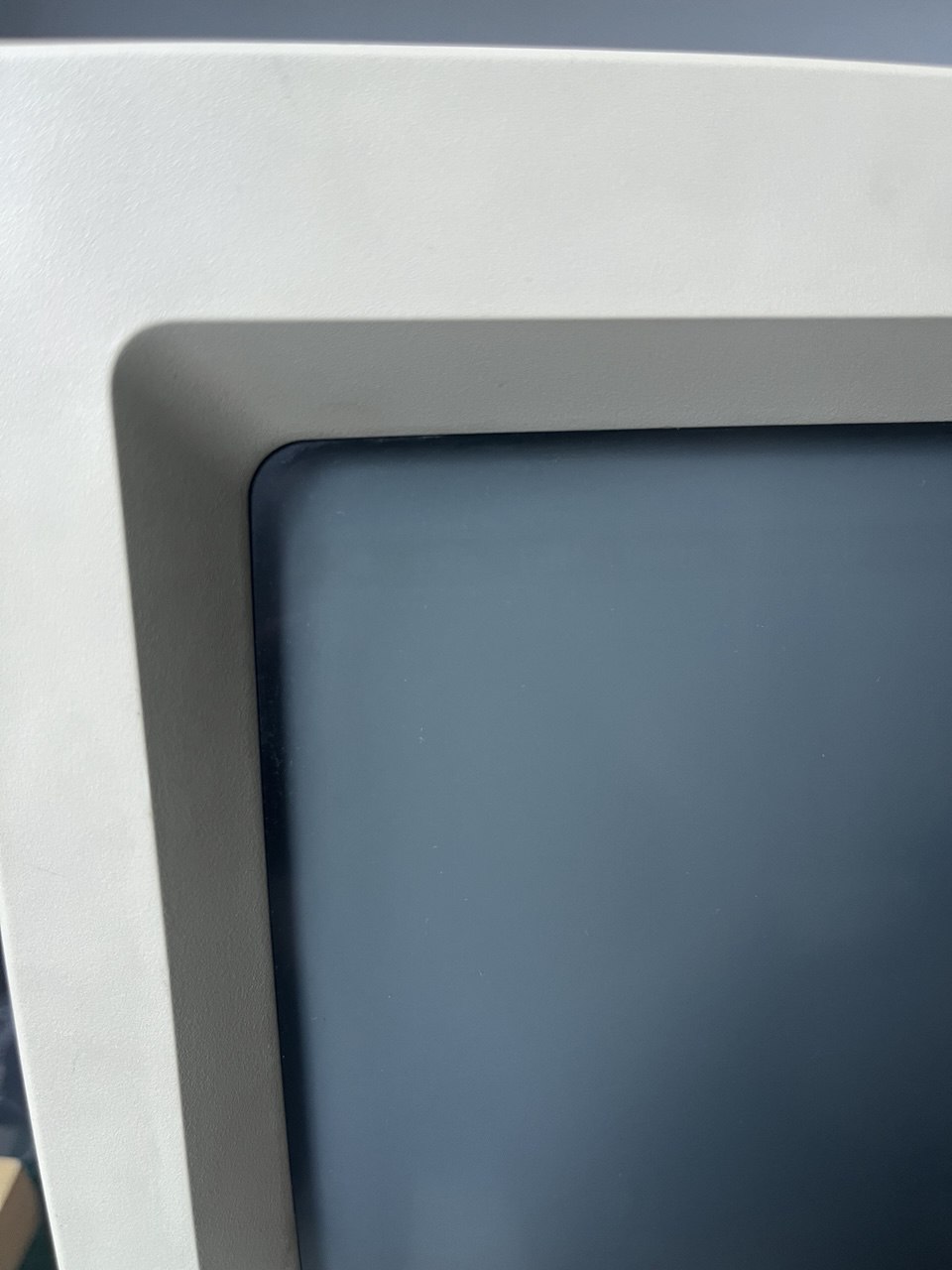
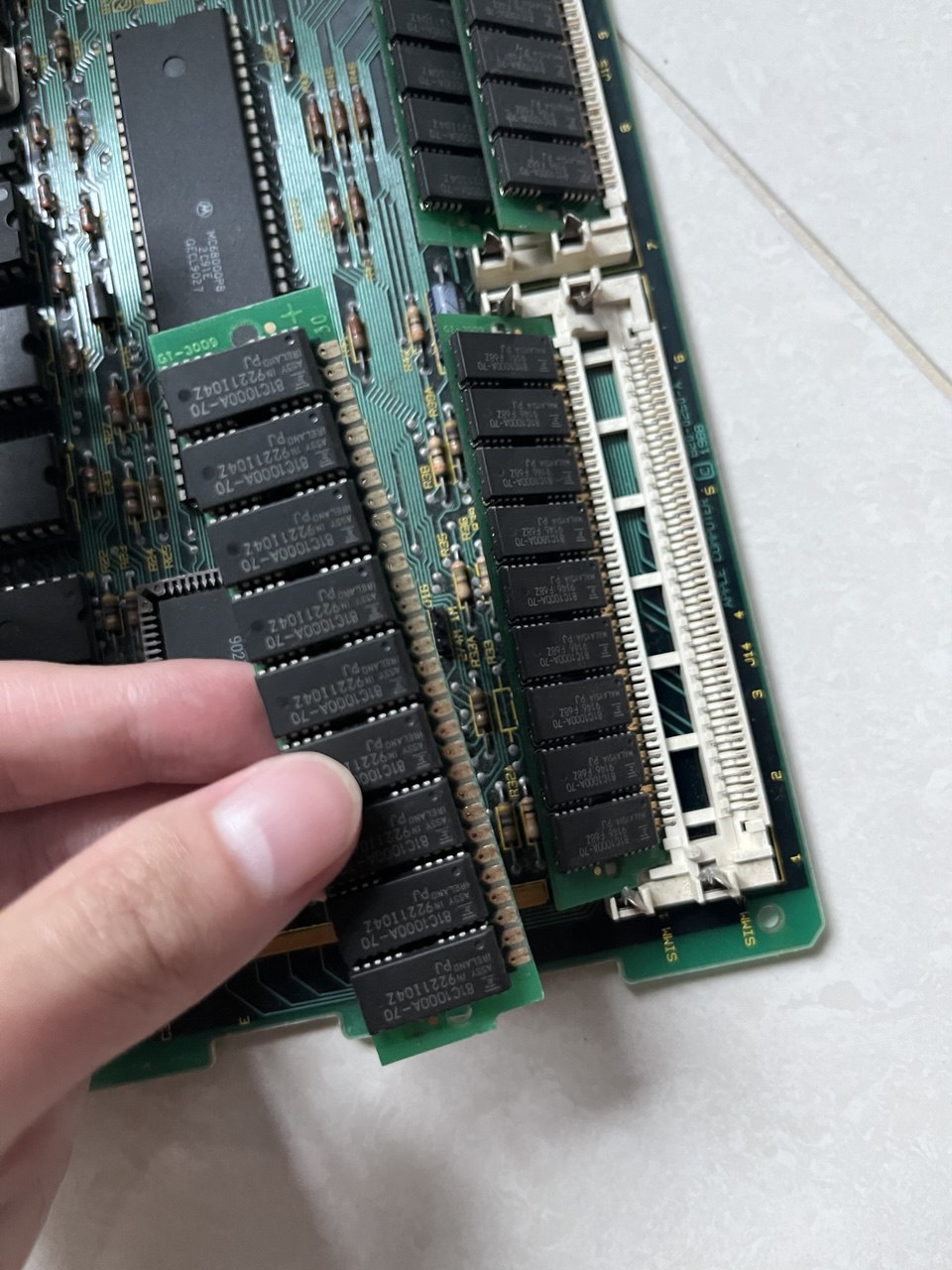
I also suspected that the RAM has been upgraded to the full 4 whopping megabytes. The screen also had extremely minor burn-in of the Mac OS taskbar.
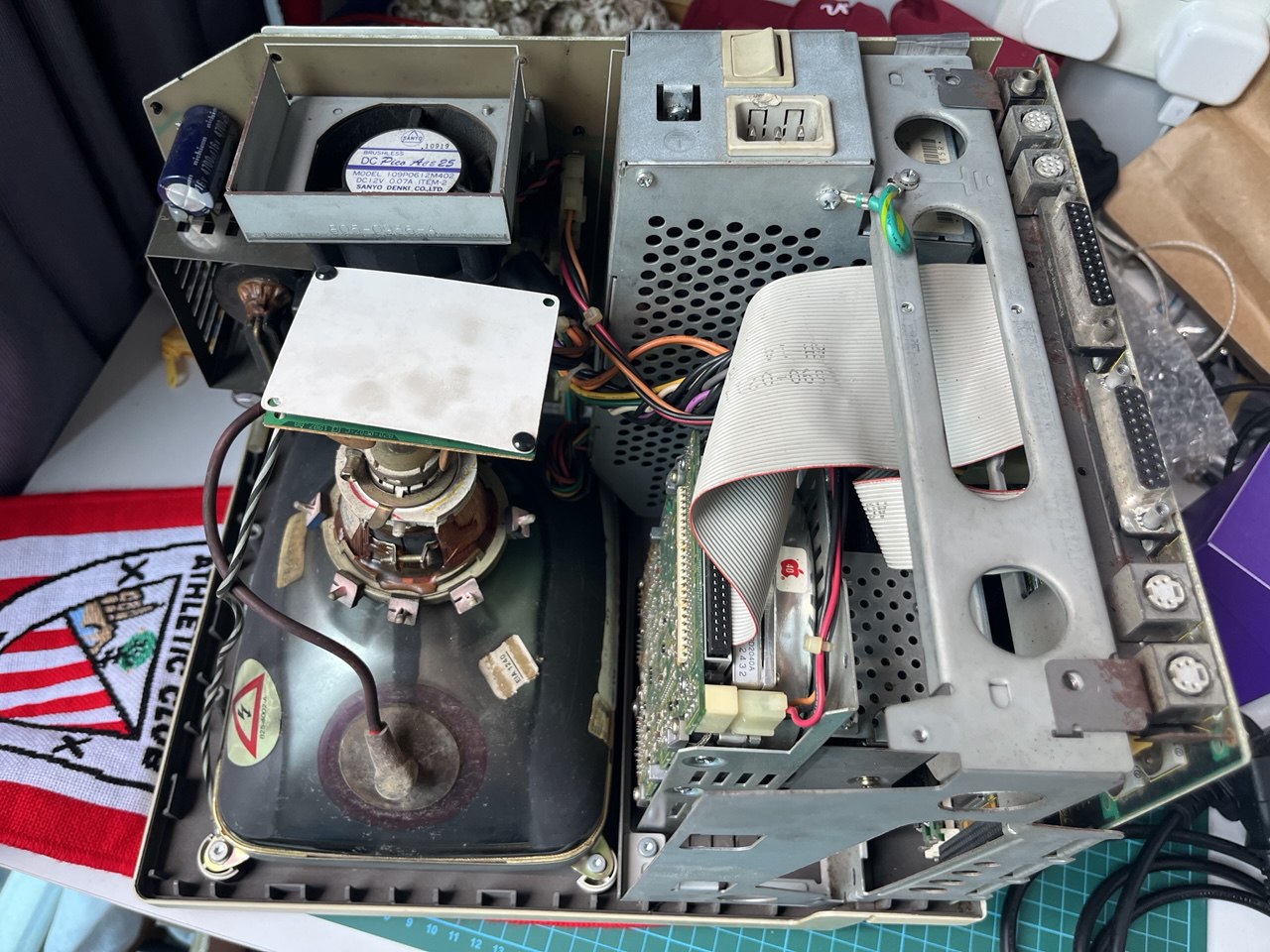
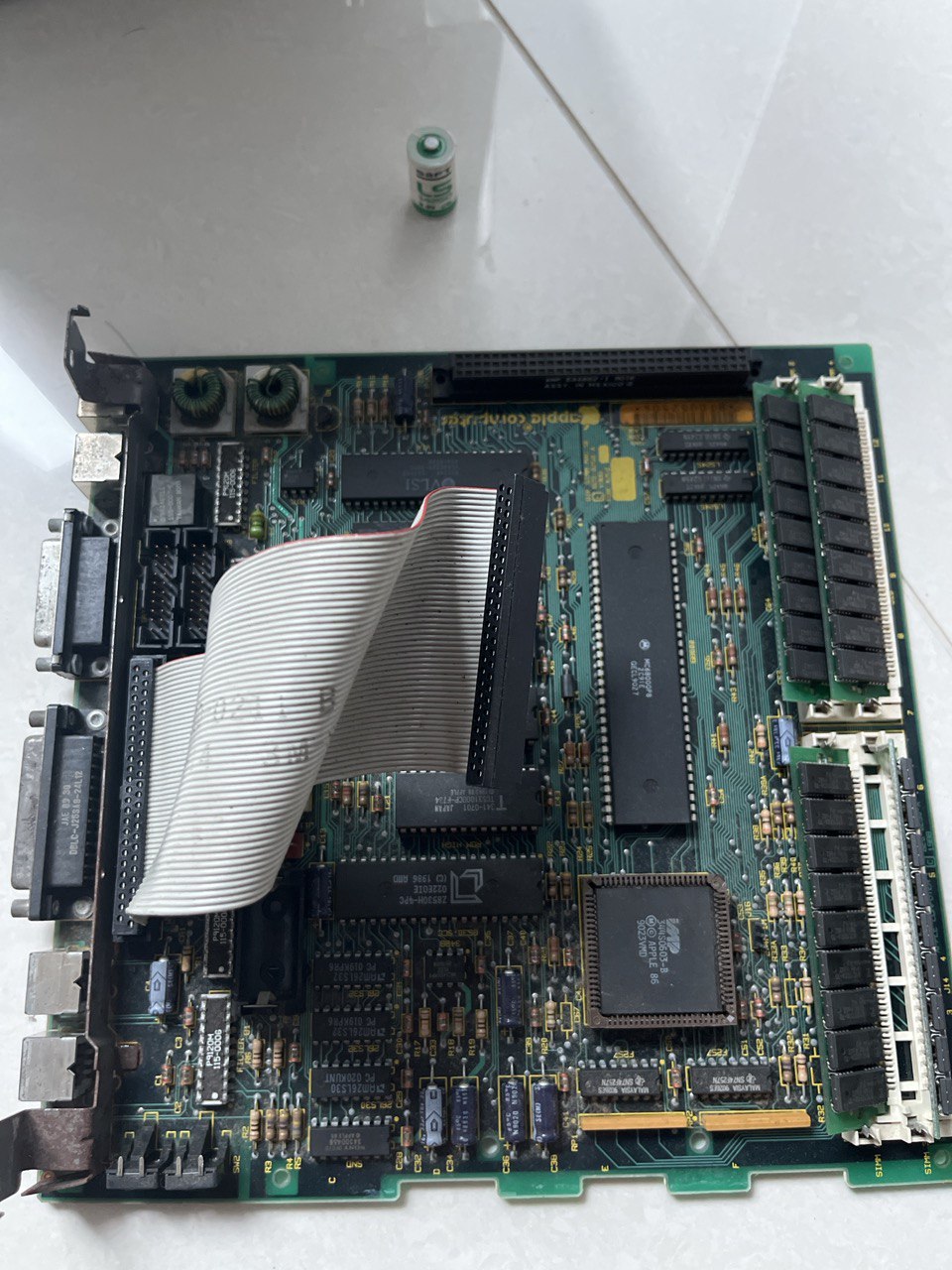
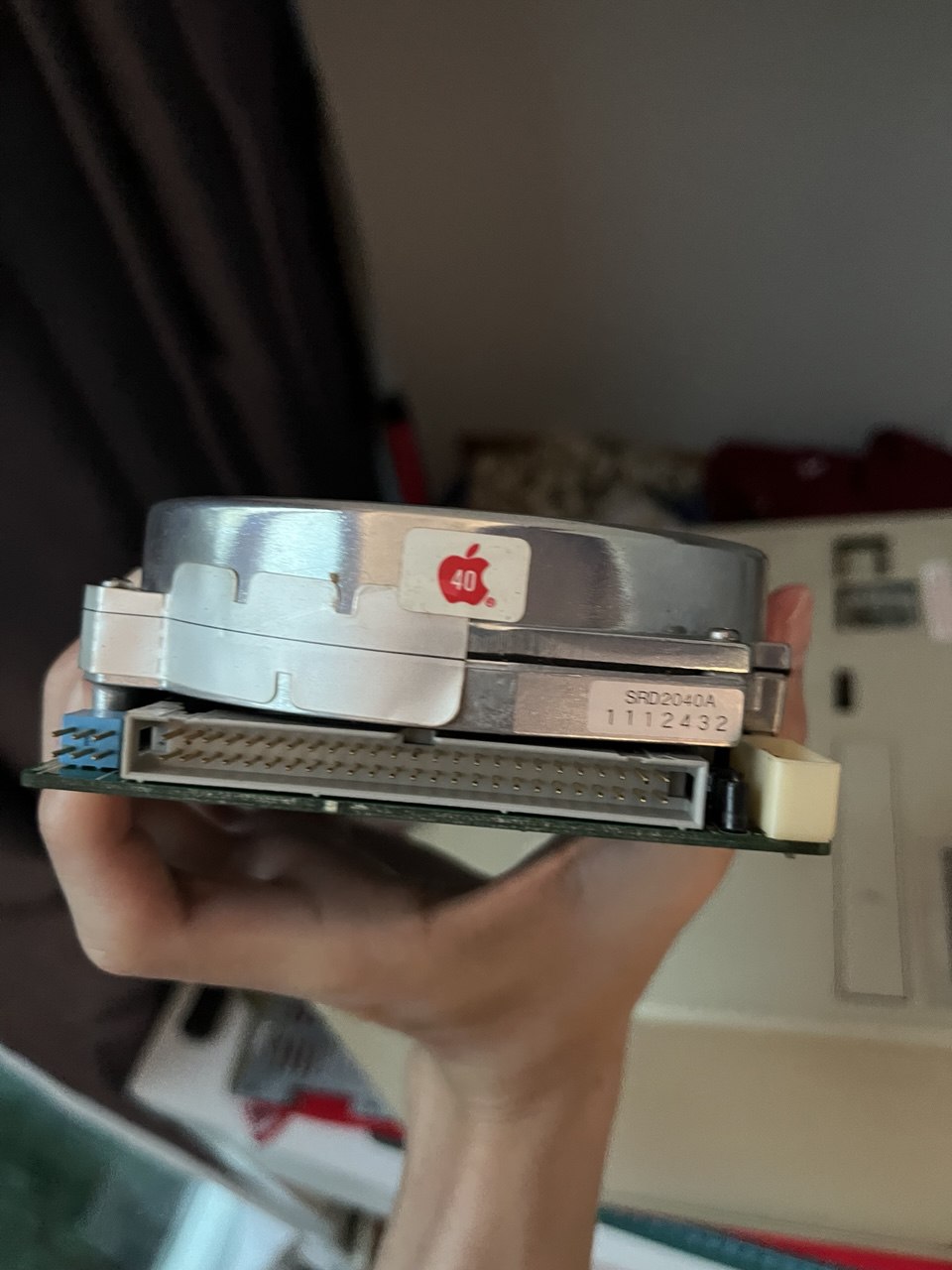
For today, this was all I could do. I do not have alligator clips to discharge the CRT so I would not want to gamble and shock myself, even if this computer was not turned on in a few years.
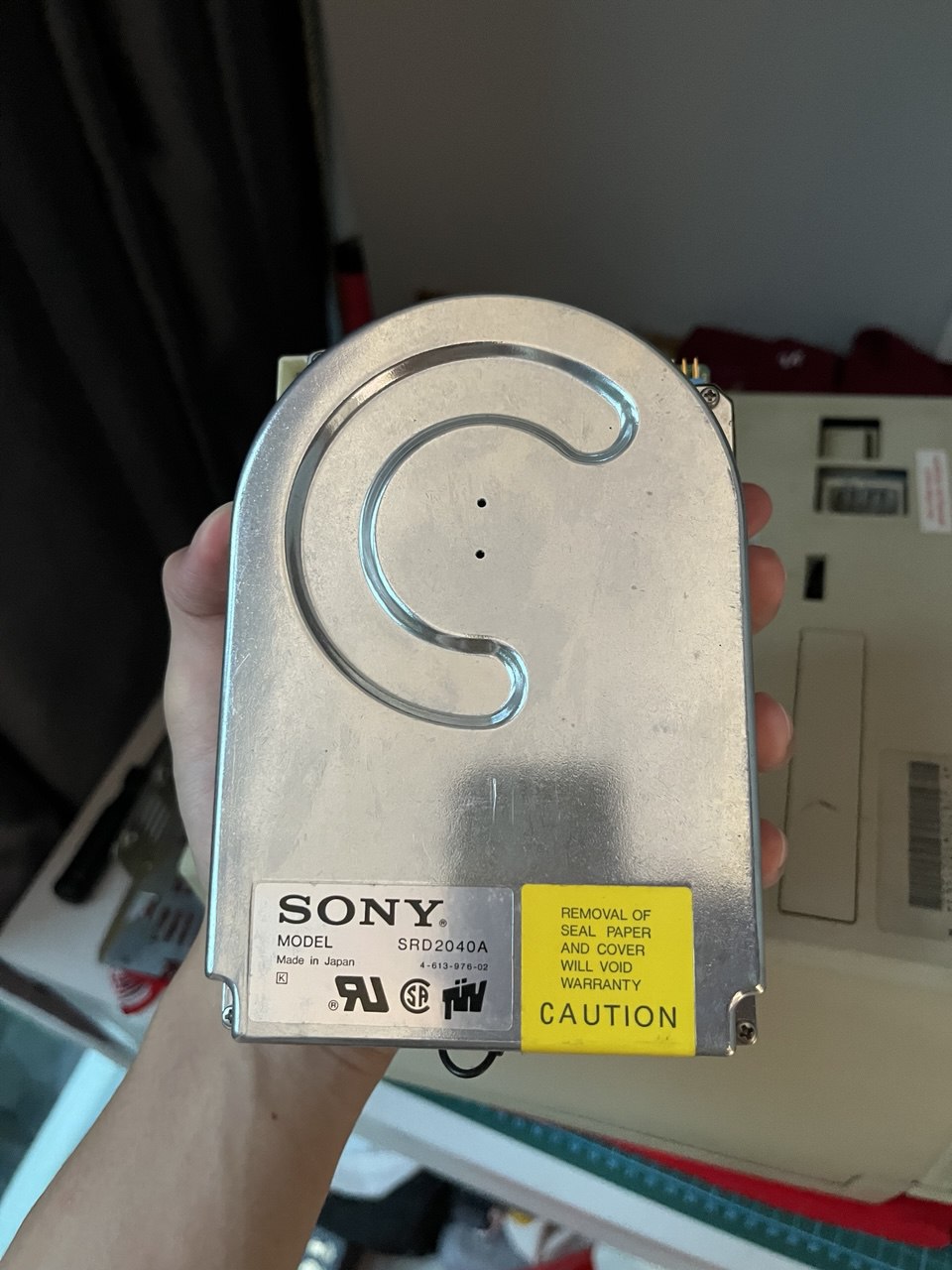
I initially wanted to swap out the hard-drive to a SCSI2SD while I was in there, but decided that I would just power on the system to see what I was working with since the system did not seem too terrible. I also need to go and get micro SD cards for the SCSI2SD. The hard-drive will not last forever if it even powers on, so swapping to a SCSI2SD will future-proof that and allow more flexibility on the OS and programs I want to use.