First tests
restoration Macintosh SE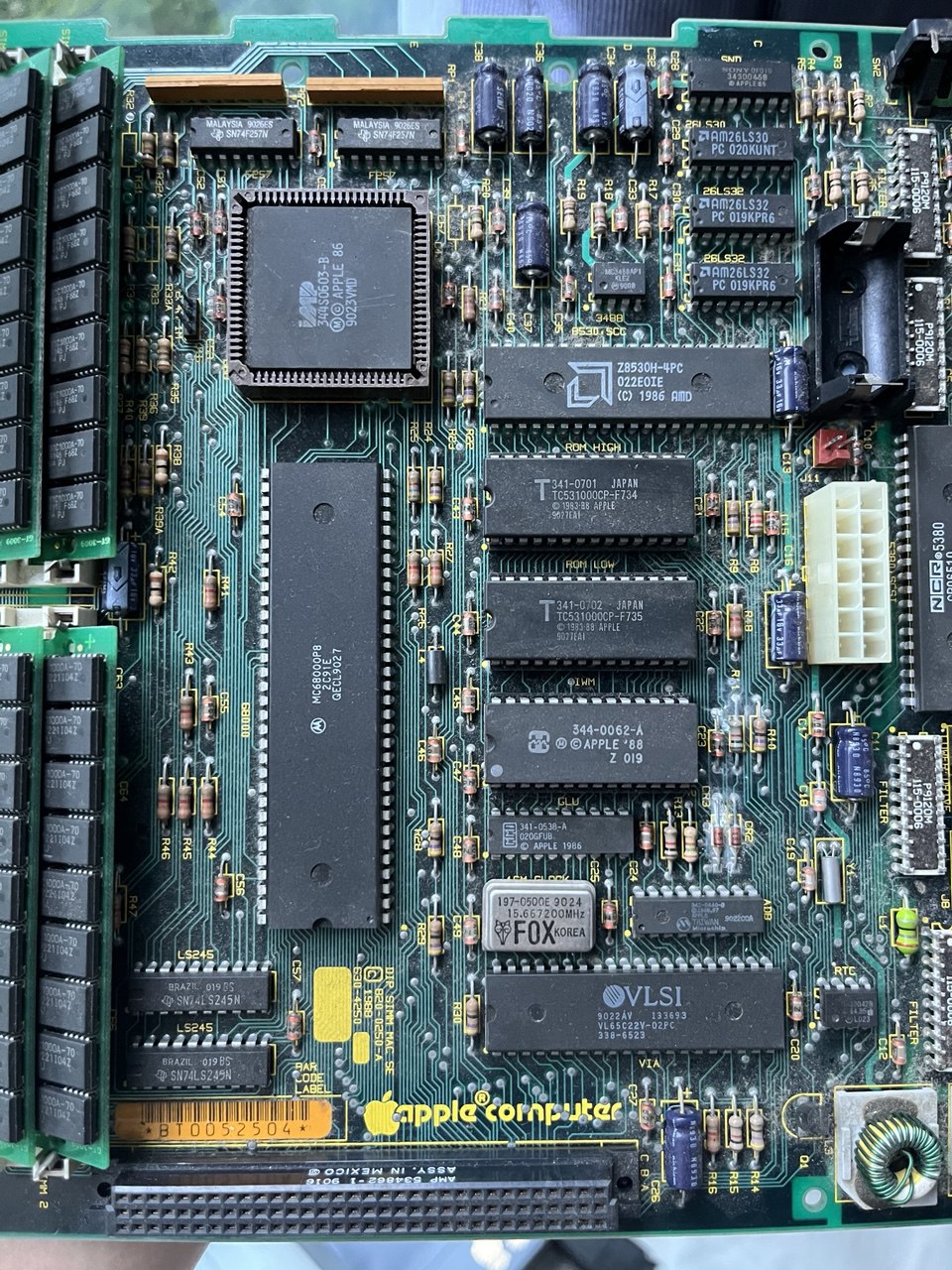
After throwing out the PRAM battery (at an appropriate location), I decided to power on the Mac SE to take stock of what is wrong with the machine. For all I know, there might still be some life left in the hard-drive. I have also managed to borrow a couple of alligator clips from jaja to discharge the CRT so I can go poking around with a little more peace of mind.
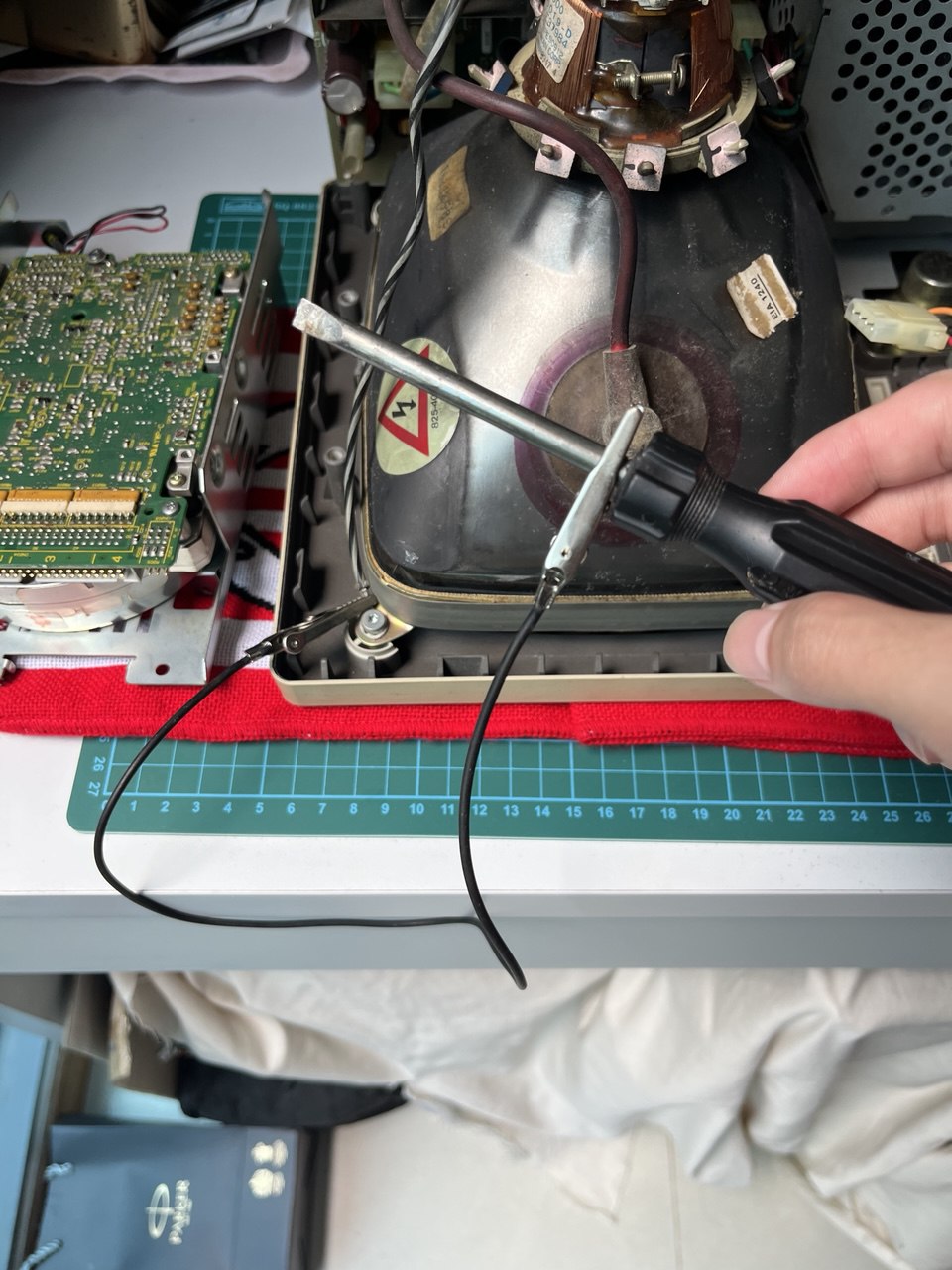
After discharging the CRT, I put the logic board, hard-drive, and floppy drive together. When powering-on then for the first time, I get a “flup flup flup” sound. It was pretty frightening when a computer sounds like a helicopter about to take off.
The issue, initially, was how do I even go about looking up the issue? However I found this link of someone also fixing their Mac SE and their video sounds just like what I was experiencing. After learning that the sound was described as a “flup”, it turns out that the “dead mac scrolls” had described this phenomenon and attributed it to a dead MOSFET in the PSU.
The aforementioned blog also suggests that this issue was indirectly caused by a hard-drive that was demanding too much power, causing the PSU and CRT to misbehave.
So once again I opened up the Mac SE, discharged the CRT, and unplugged the floppy drive and hard-drive. When powering-on for the second time, the flupping sound has disappeared and I get greeted with a white screen. Eventually the sad Mac icon showed up but that in turn made me very happy.
In the end, it seems like the screen was glitchy every once in a while. I suspect the analog board and PSU needs a recapping. For the PSU, there are modern drop-in replacements online so I will go with those, and the analog board can be inspected for any cracked solder as I wait for the set of capacitors to arrive.